
Managing SSO
View a connection, share the organization login URL, disable a provider, or delete it.
You can change a SAML or OpenID Connect connection after you add it. You can also disable or delete it.
Before you start
- You must be signed in.
- These plans include this feature: Enterprise.
- These roles can manage Single Sign-On: Owner and Administrator.
View Single Sign-On
- Open your user menu. Then select Settings.
- Under Organization settings, select Single Sign-On.
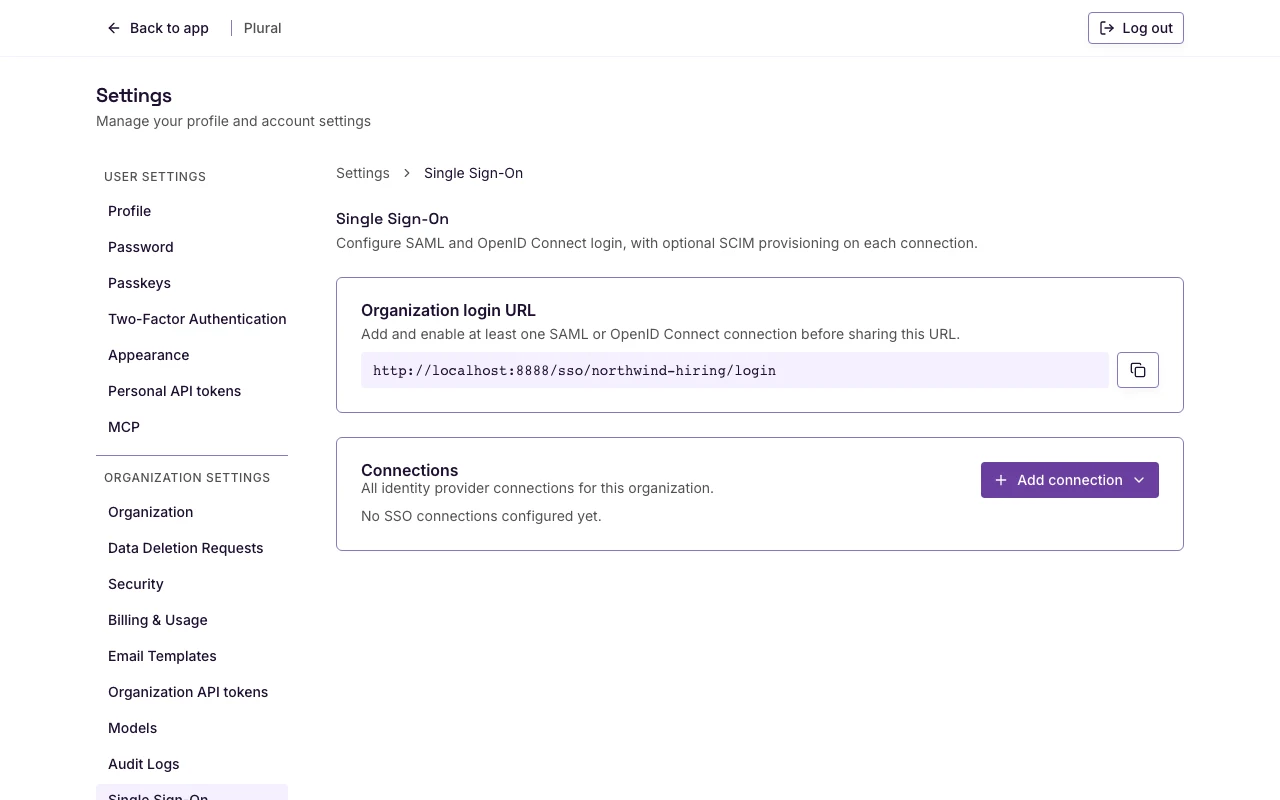
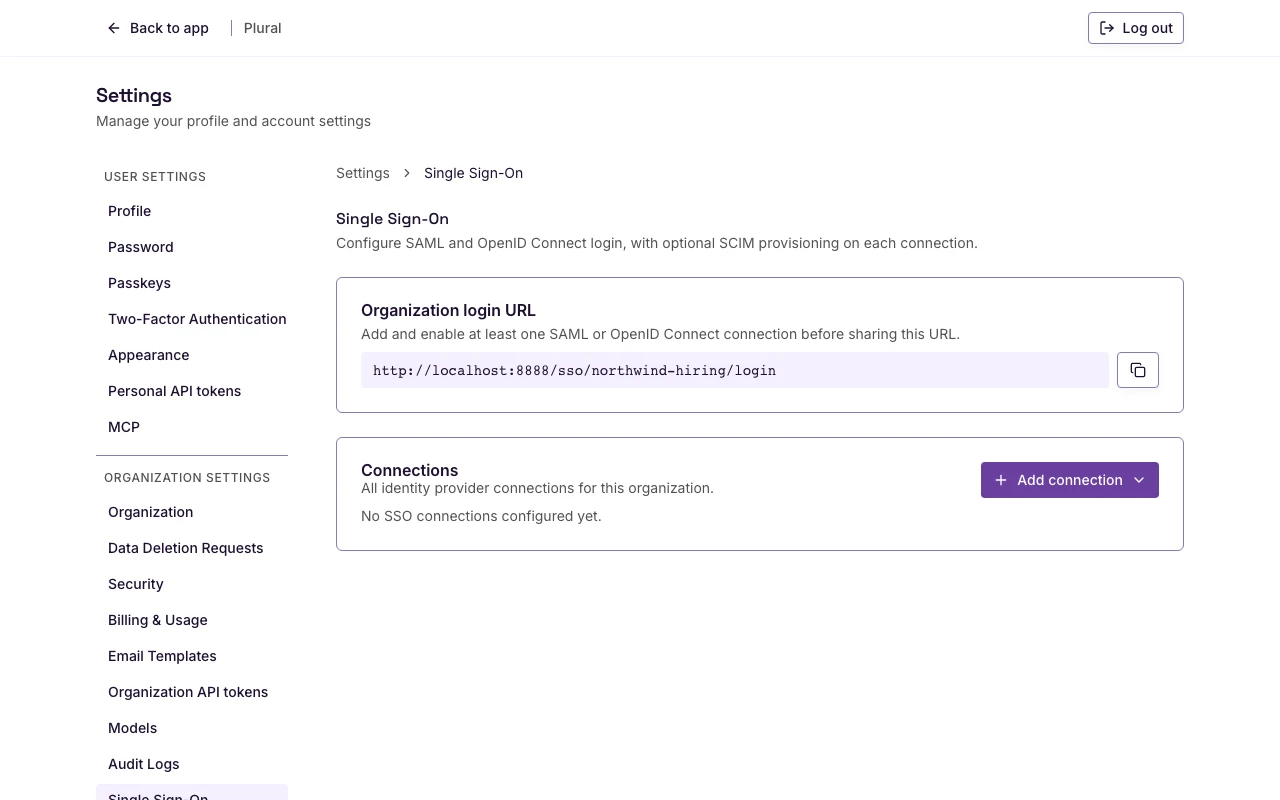
If there are no connections, the list says No SSO connections configured yet.
Organization login URL
The Organization login URL card shows the URL for your organization. For Northwind Hiring, the path is /sso/northwind-hiring/login.
- Select the copy control next to the URL. The accessible name is Copy organization login URL.
- Share the URL with employees.
If at least one connection is active, the card says: Share this URL with employees to start SSO for your organization name.
If no connection is active, the card says: Add and enable at least one SAML or OpenID Connect connection before sharing this URL.
View a connection
- On Connections, select the connection label.
The edit page uses the connection label as the title. You can change IdP settings, copy Plural URLs, and change SCIM.
On the edit page, select Actions to disable or delete the connection.
Disable
A disabled connection stays in Plural. People cannot sign in through it. User accounts stay. You can turn the connection on again from its settings. If SCIM is on, provisioning stops while the connection is disabled.
- On the connection row, open the actions menu. The accessible name is Actions for the connection label.
- Select Disable.
- Confirm Disable identity provider.
- Select Disable.
The success message uses the connection label and says it is disabled.
Delete
Delete removes the connection, SCIM settings, and sign-in links for that provider. People who only sign in with that identity provider need another way to access Plural. You cannot undo this.
- On the connection row, open the actions menu.
- Select Delete.
- Confirm Delete identity provider.
- Select Delete.
The success message uses the connection label and says it is deleted.