
Viewing candidates
View the Candidates list, see how a Candidate differs from an Applicant or Employee, and view a profile.
A Candidate is a person you source. Recruiting can add a Candidate. You can also add a Candidate with Add Person.
Before you start
- You must be signed in.
- These plans include this feature: Hire, Hire + Retain, and Enterprise.
- These roles can view Candidates: Owner, Administrator, Hiring Manager, and Office Administrator.
- You must be able to view people.
View Candidates
- Open People & Places, then open Candidates.
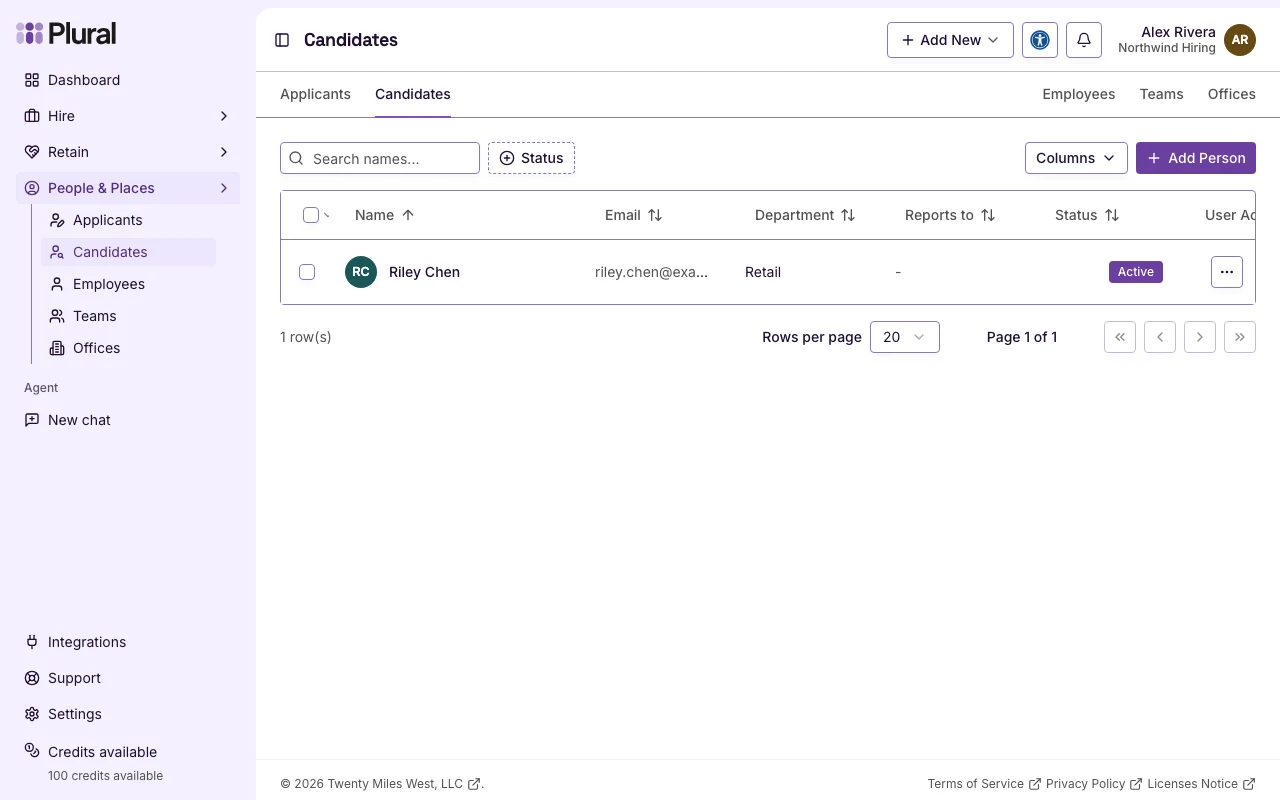
- The page title is Candidates. Add Person is at the top right.
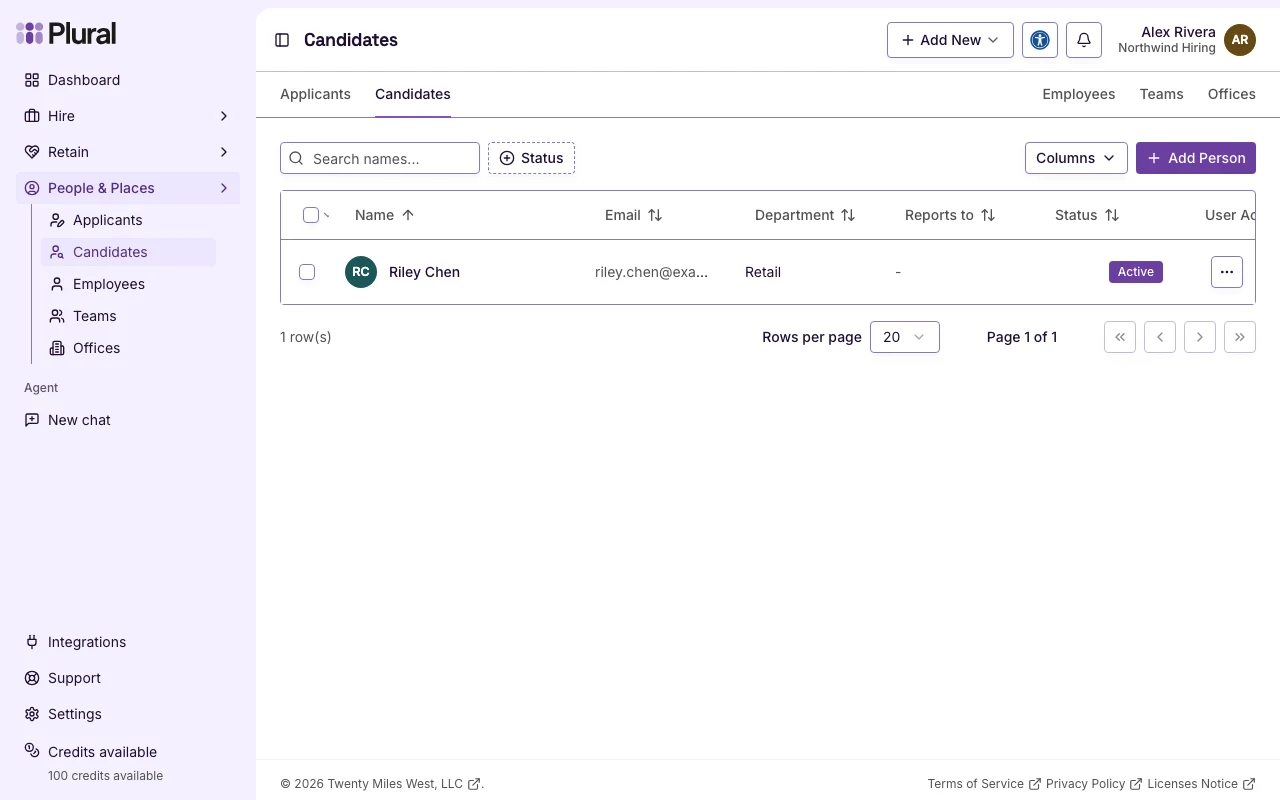
The table columns are Name, Email, Department, Reports to, Status, User Account, and Linked Accounts.
In Name, type part of the person’s name to find a row. In Status, select Active, Inactive, or Pending.
To add a Candidate, select Add Person. The dialog title is Add candidate. Select Save when the form is complete.
How a Candidate is different
People & Places has three people pages: Applicants, Candidates, and Employees.
Applicant. A person who applied for a Career. Applicants appear on Applicants after they apply. That table shows Last application and Applications submitted. That page does not show Add Person.
Candidate. A person you source. Candidates appear on Candidates. If a Candidate later applies for a Career, the person stays a Candidate. The person does not move to Applicants.
Employee. A person who works in your organization. Employees appear on Employees. An Employee profile can include Evaluations and Sessions. A Candidate profile does not.
On Candidates, the page navigation shows Applicants and Candidates on the left. It shows Employees, Teams, and Offices on the right.
View a profile
This example uses Riley Chen.
- Select the name in the Name column.
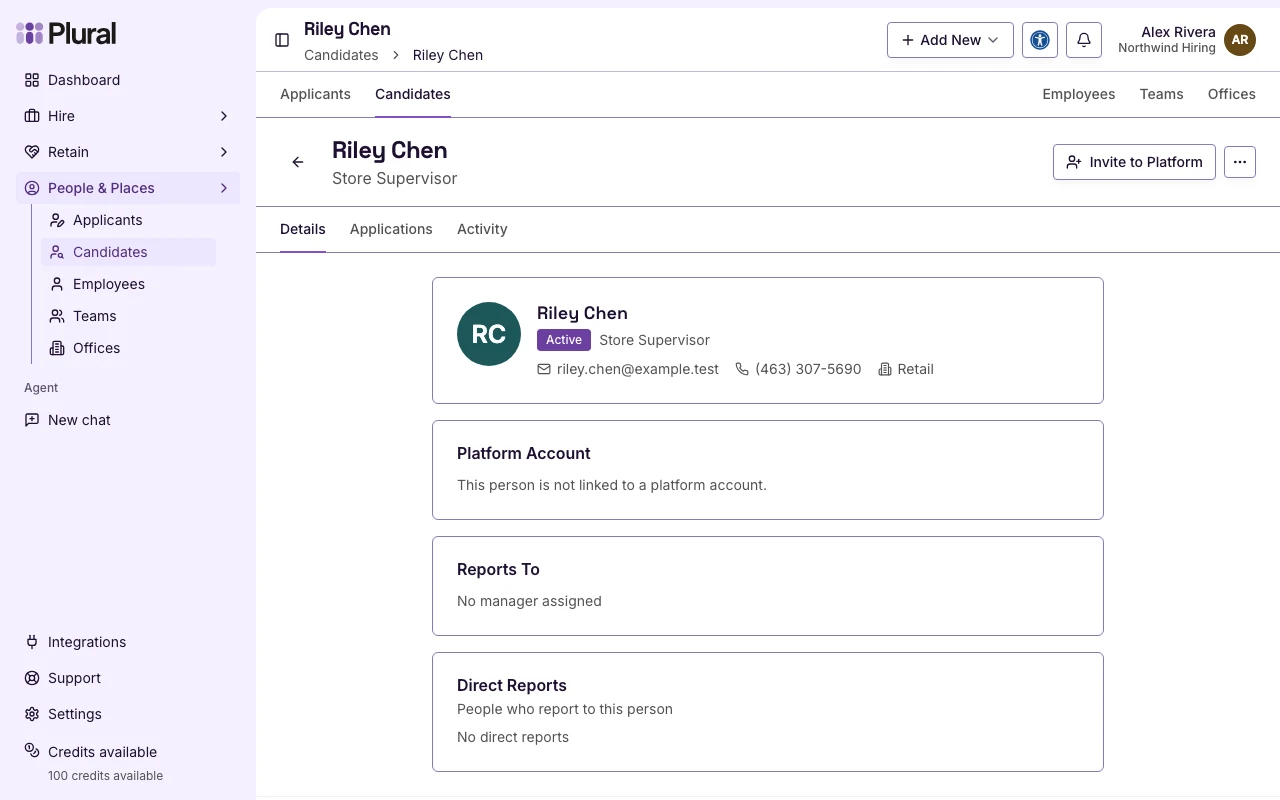
Or open the row menu. The menu title is Quick Actions. Select View Details.
The profile heading is the person’s name. The profile navigation shows Details, Applications, and Activity. Details is the first page.