
Sign in with Google
Sign in with a Google account from the log in page.
You can sign in to Plural with a Google account. This is a personal Google sign-in. It is not the same as organization Single Sign-On.
Before you start
- These plans include this feature: Hire, Retain, Hire + Retain, and Enterprise.
- You need the Plural log in page.
- Continue with Google appears when Google sign-in is available.
- You do not need an organization role to use Google sign-in.
If you already have a Plural account with the same email, Plural asks you to link the Google account.
Google sign-in
- Open the log in page.
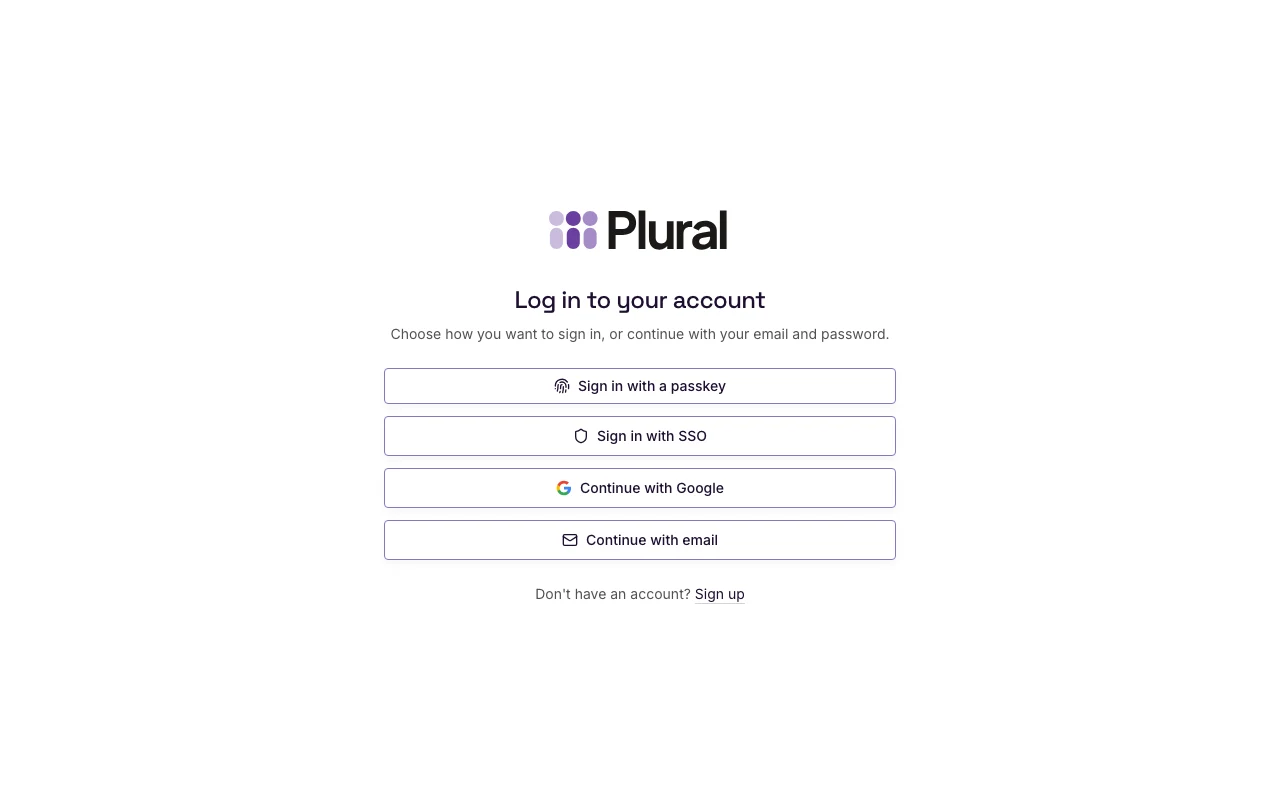
- Select Continue with Google.
- Complete the Google sign-in in the Google window.
If the page shows the email form first, select Other sign-in options. Then select Continue with Google.
Link an existing account
If a Plural account already uses that Google email, the page title is Link your account.
- In Password, type the password for the Plural account.
- Select Link account.
If the account has no password yet, use Forgot password? on the log in page. Set a password. Then sign in with Google again and link the account.
Select Log in if you want to return to the log in page without linking.