
Comments and reviews
Set a fit score, post comments, and add an interview review on a hiring application.
Comments and reviews stay on the application. A fit score is a short team rating. An interview review uses the review matrix for the Career, when one is set.
Before you start
- You must be signed in.
- These plans include this feature: Hire, Hire + Retain, and Enterprise.
- These roles can set a fit score: Owner, Administrator, Hiring Manager, and Office Administrator.
- These roles can post comments: Owner, Administrator, Hiring Manager, and Office Administrator.
- If you are a Hiring Manager, you can do this for Careers where you are the hiring manager.
- If you are an Office Administrator, you can do this for offices that you administer.
Fit score
- Open the application.
- In Fit score, select one value.
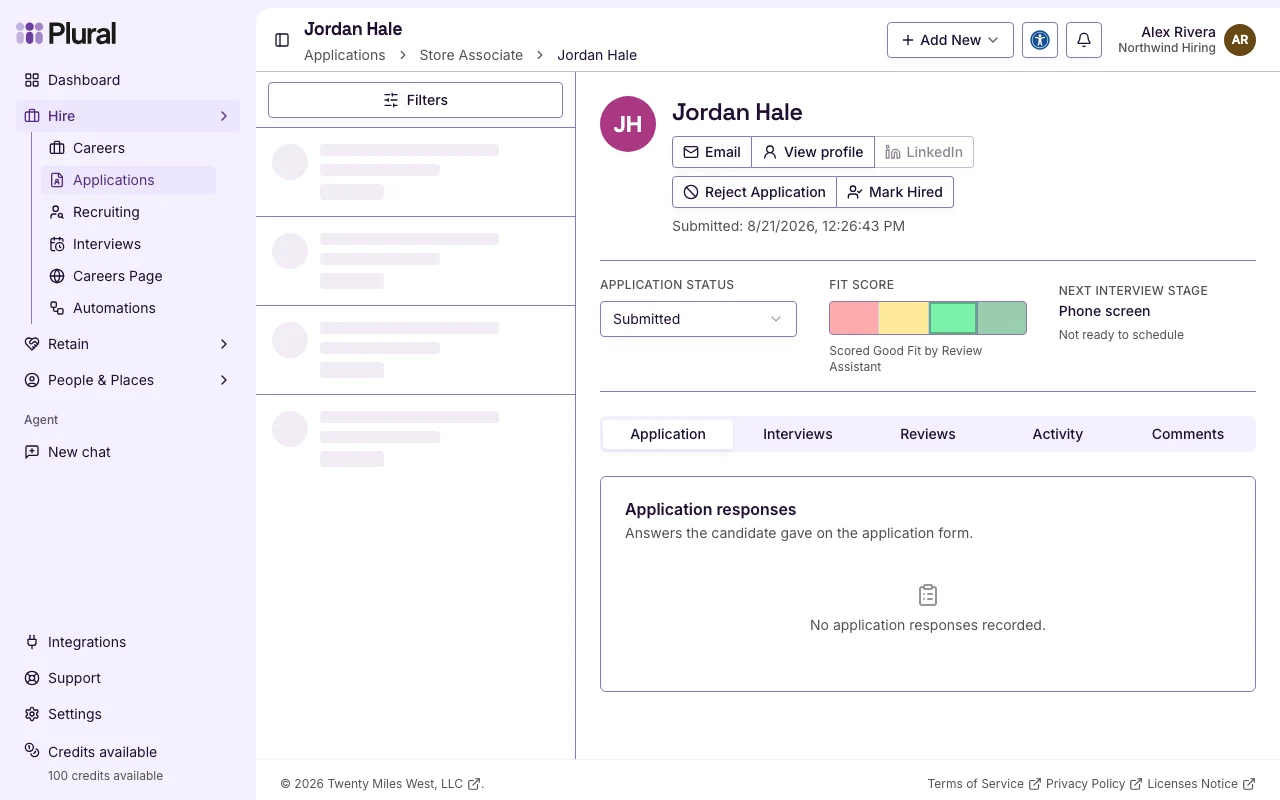
Fit score values:
- Not a Fit
- Neutral
- Good Fit
- Excellent Fit
A success message confirms Fit score saved. The page can show a line such as Scored Good Fit by Review Assistant. The Review score column on Applications shows the same value.
Add a comment
- Open the application.
- Select Comments.
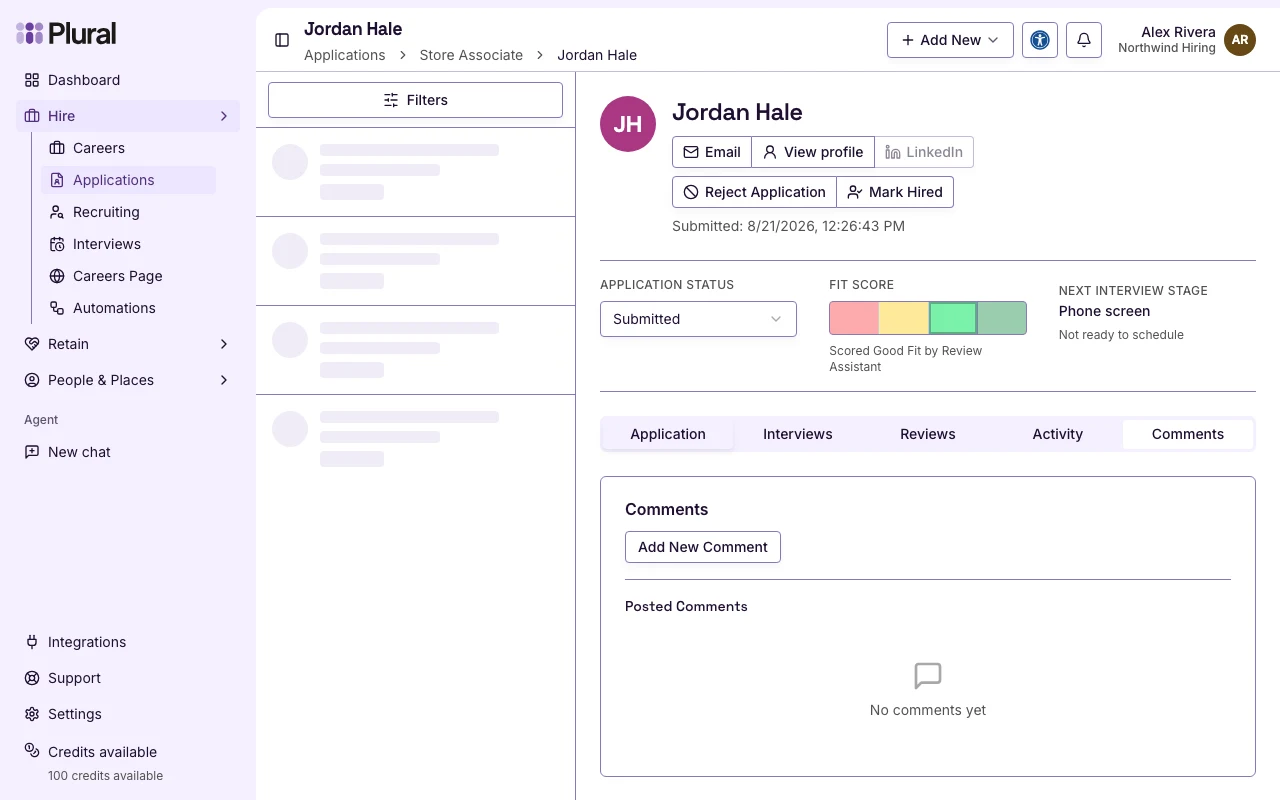
- Select Add New Comment.
- In Write a comment…, type the note.
- In Visibility, select Internal or Public.
- Internal — people in your organization who can view the application see the comment. The applicant does not see it.
- Public — the applicant can see the comment when they can view their application.
- Select Who can see this? if you need the same explanation on the page.
- Select Post.
A success message confirms Comment added successfully. The comment appears under Posted Comments. If there are no comments, the card shows No comments yet.
Select Cancel if you do not want to post. To remove a comment you posted, select Delete comment, then confirm Delete comment?
Add an interview review
Interview reviews use a review matrix on the Career. If the Career has no matrix, Reviews shows: No interview review matrix is configured for this role.
If the Career has interview stages and a matrix:
- Open the application.
- Select Reviews.
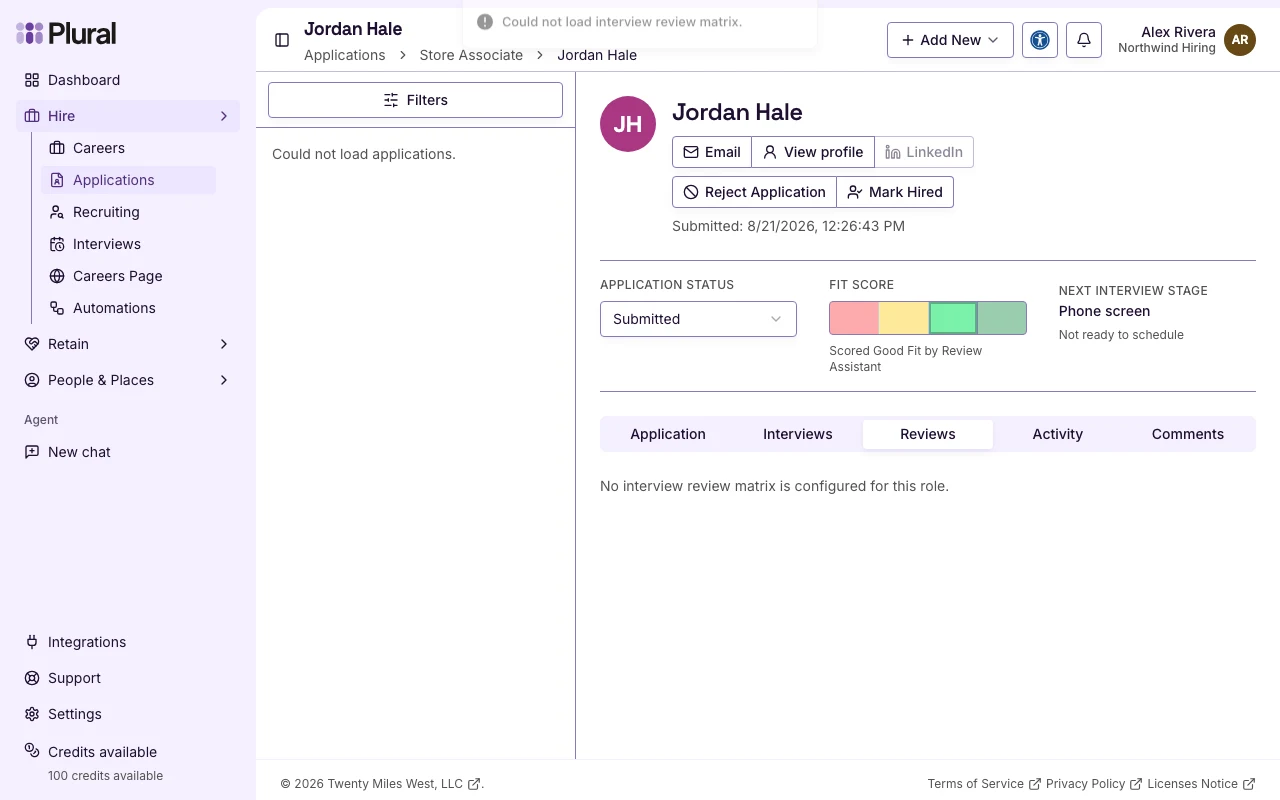
- Select Add review. If you already saved a review, select Edit your review.
- Rate each criterion.
- In Interview comments, type notes for the hiring team.
- Select Save review. Select Cancel if you do not want to save.
A success message confirms Interview review saved.